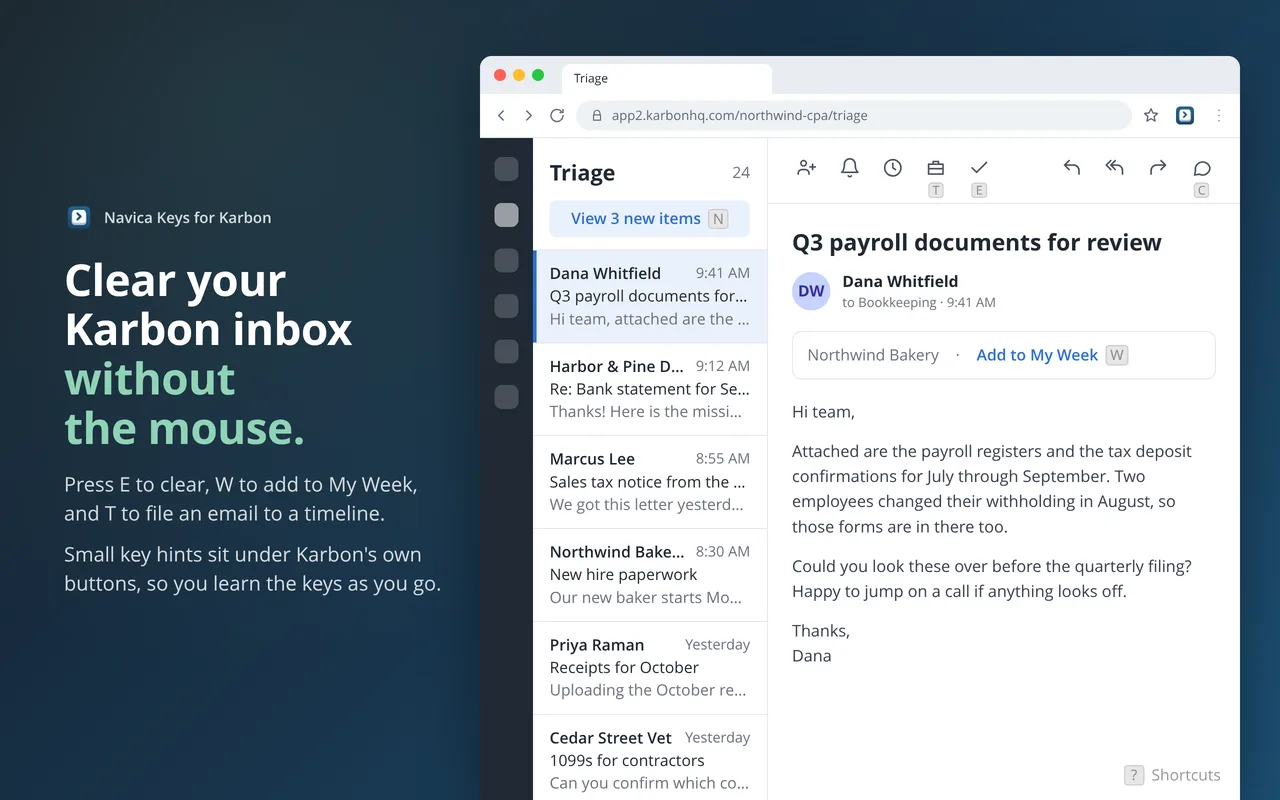
Triage is where a Karbon day starts: a stream of client emails to clear, plan for the week, or file to the right job. Each one is a few clicks, and on a busy morning those clicks add up to a lot of mouse travel.
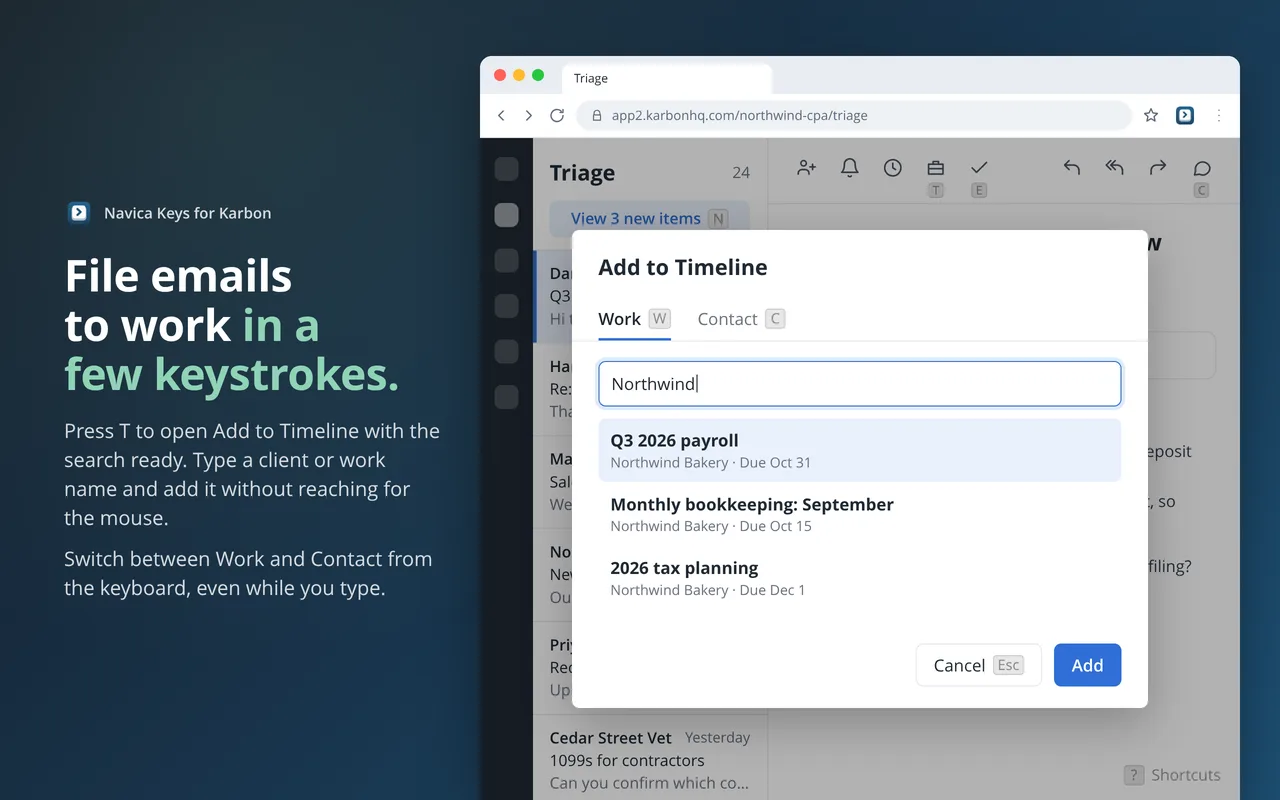
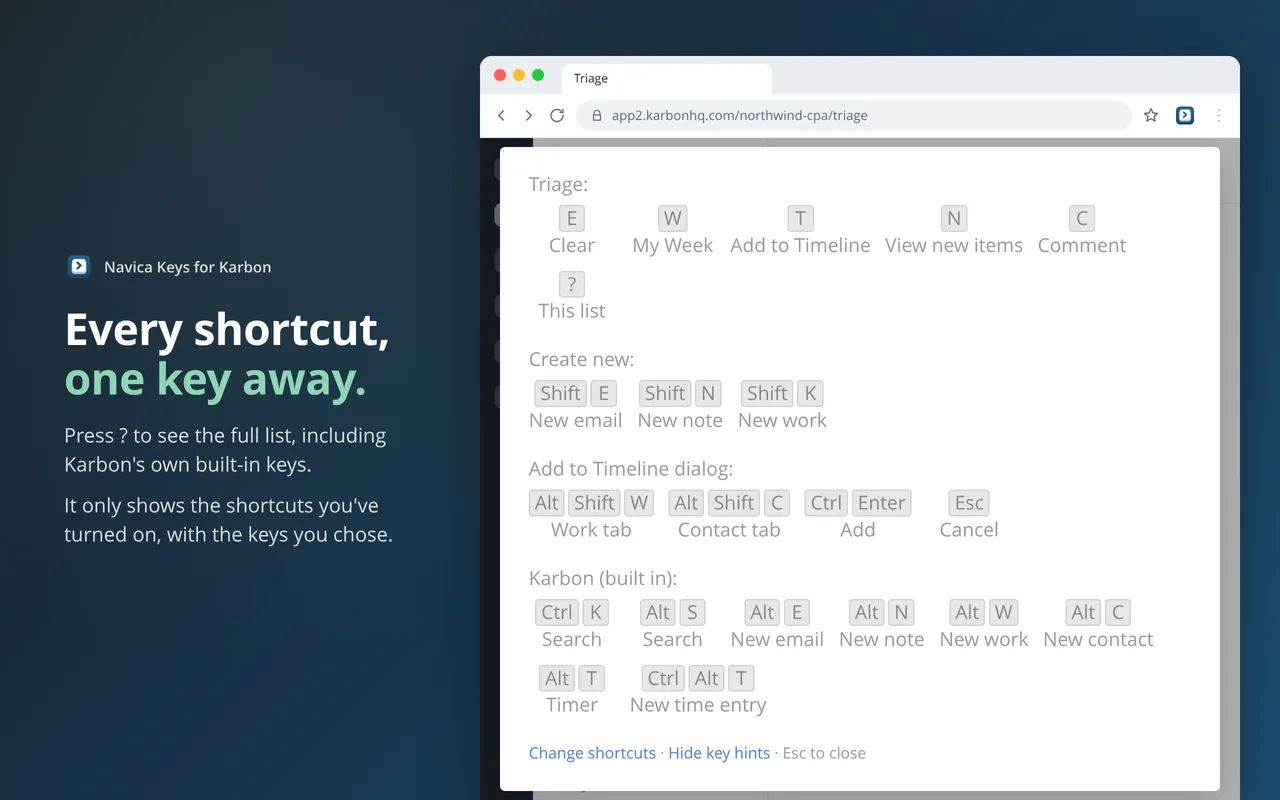
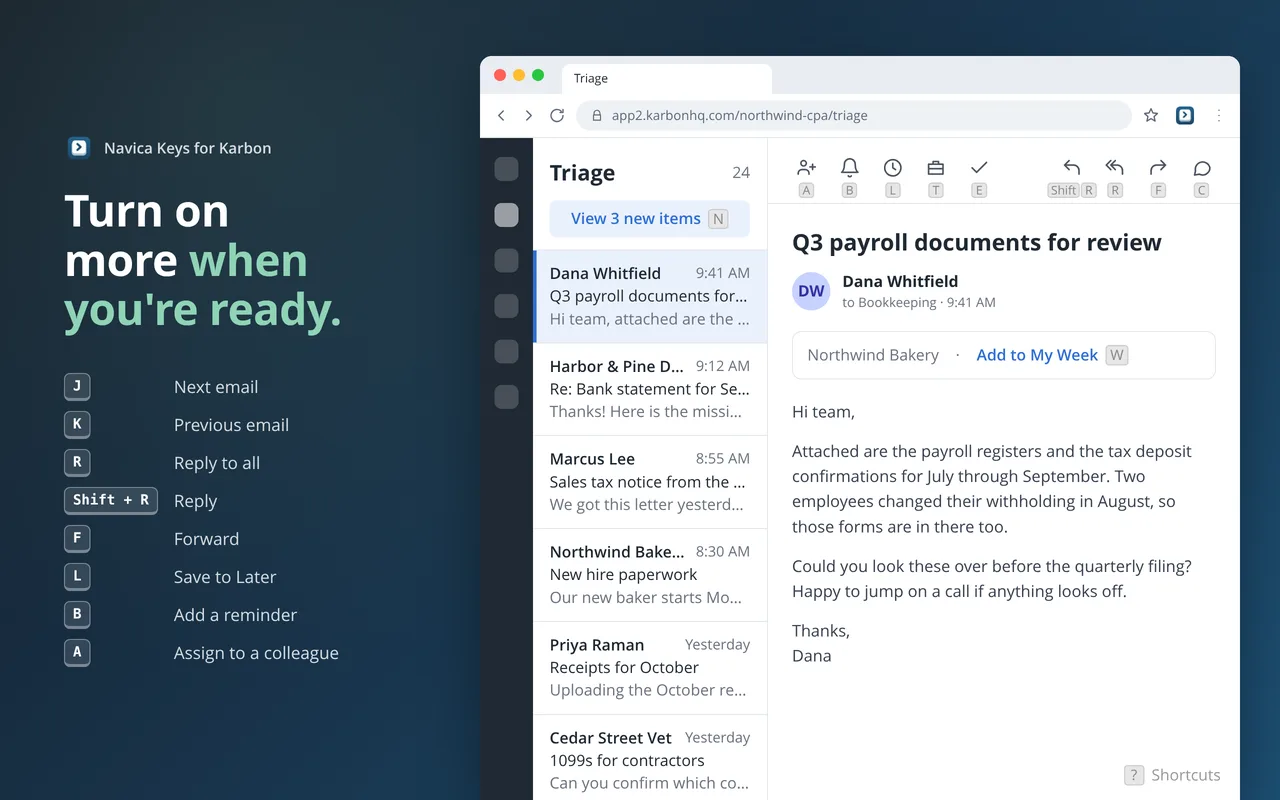
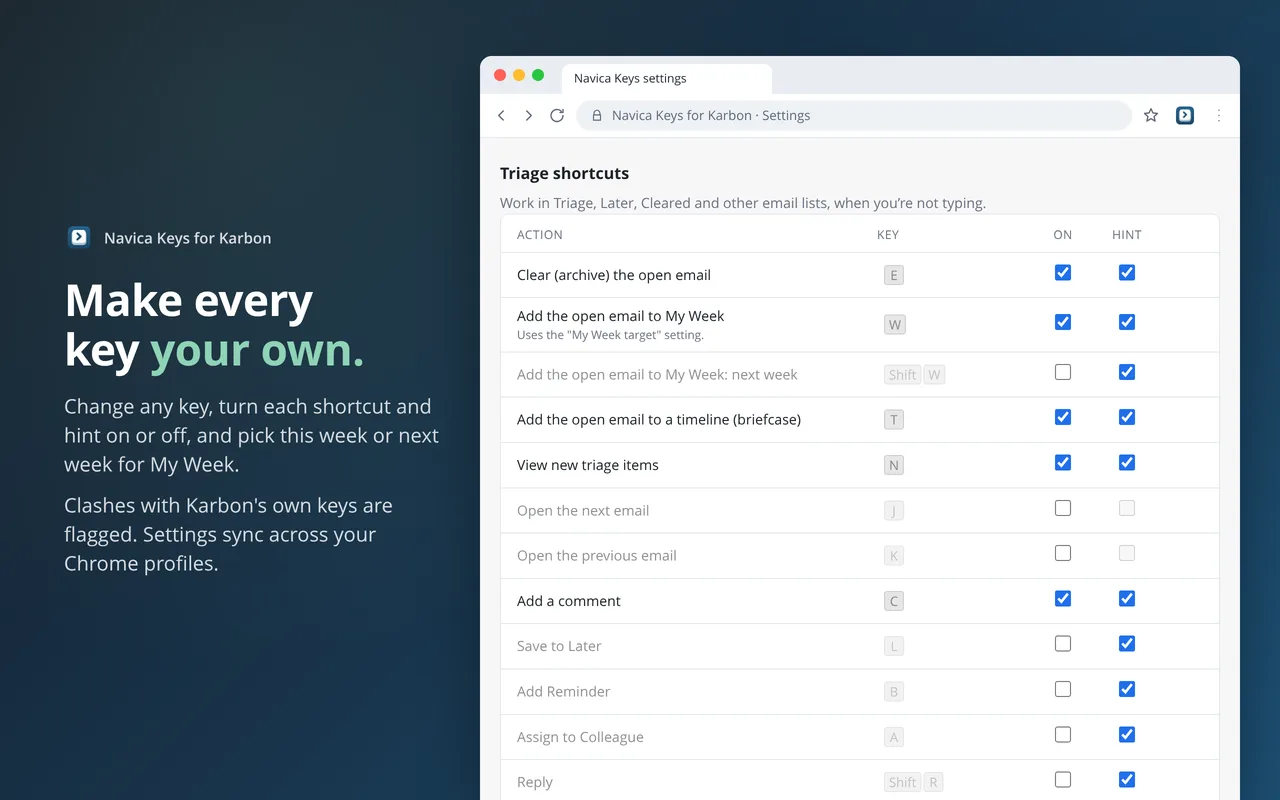
Navica Keys turns each of those clicks into a single key. Press E to clear, W to add to My Week, T to file to a timeline, and Karbon moves on to the next email. From any Karbon page, Shift E starts a new email, Shift N a new note, and Shift K a new work item. Small key hints sit right under Karbon’s own buttons, so you learn the keys by using them, and you can turn the hints off once you know them.
Every shortcut presses Karbon’s own button, exactly as a click would. Karbon does the work, nothing is connected or synced on the side, and the extension never reads your email.