Most lost time is never logged
Karbon’s timer is good. The hard part is remembering to use it while you jump between emails, clients, and calls all day. You dive into a return and look up an hour later, and the timer never started. Or it stays on the last client for forty minutes, or runs through lunch, and someone rebuilds the day from memory at 5 PM. The short tasks never get logged at all.
What I built
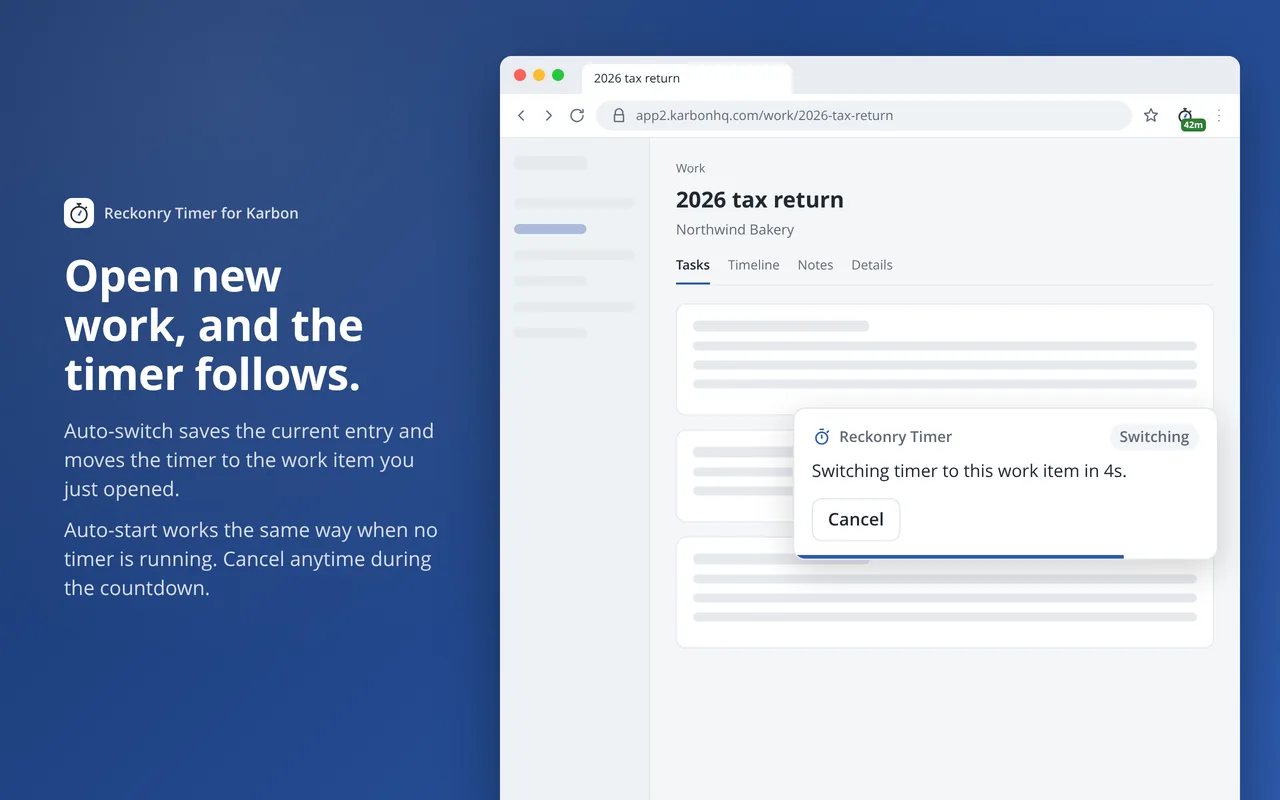
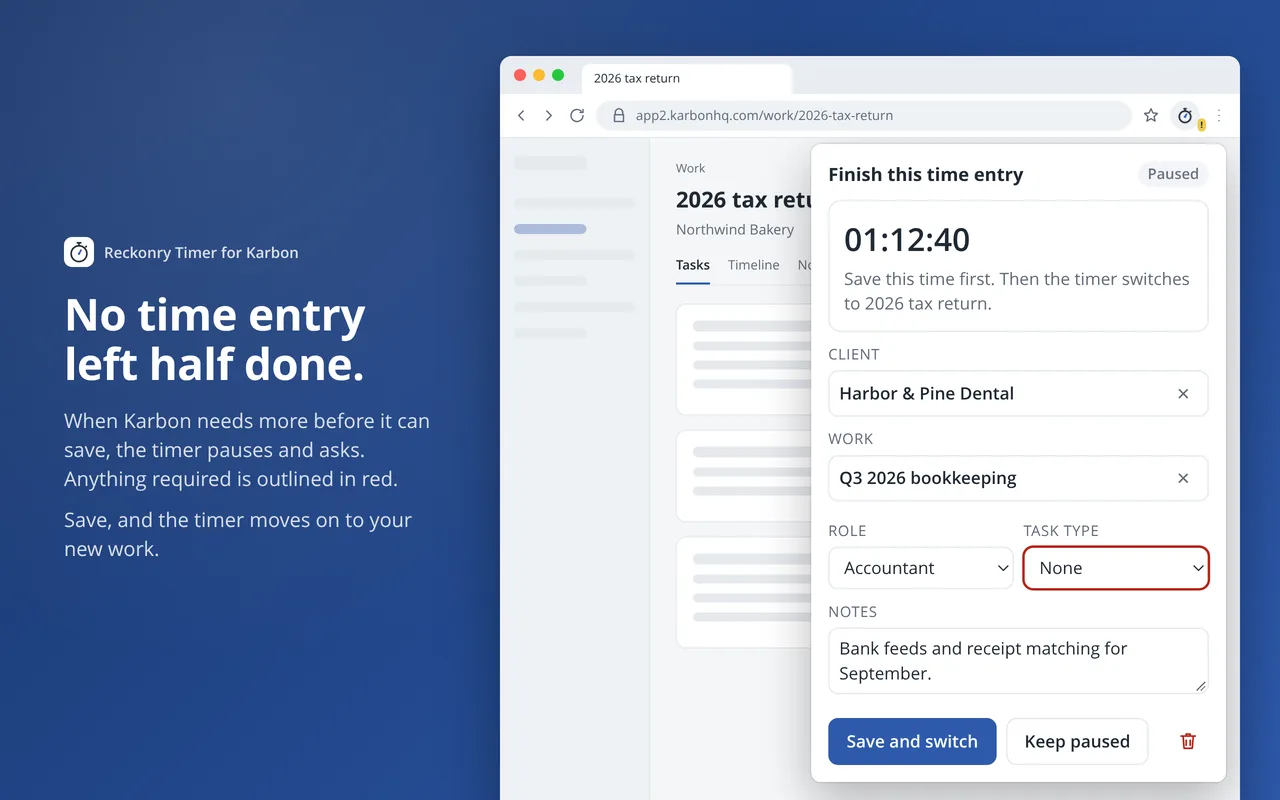
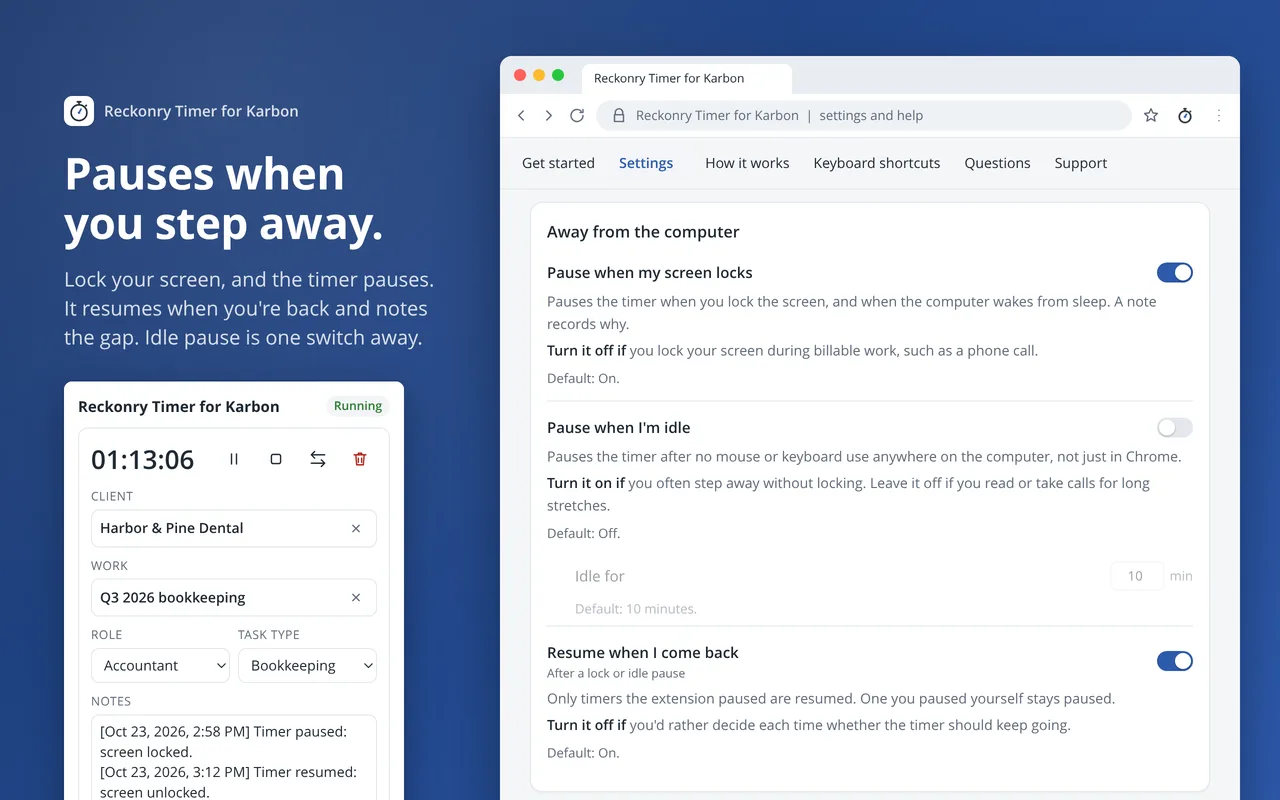
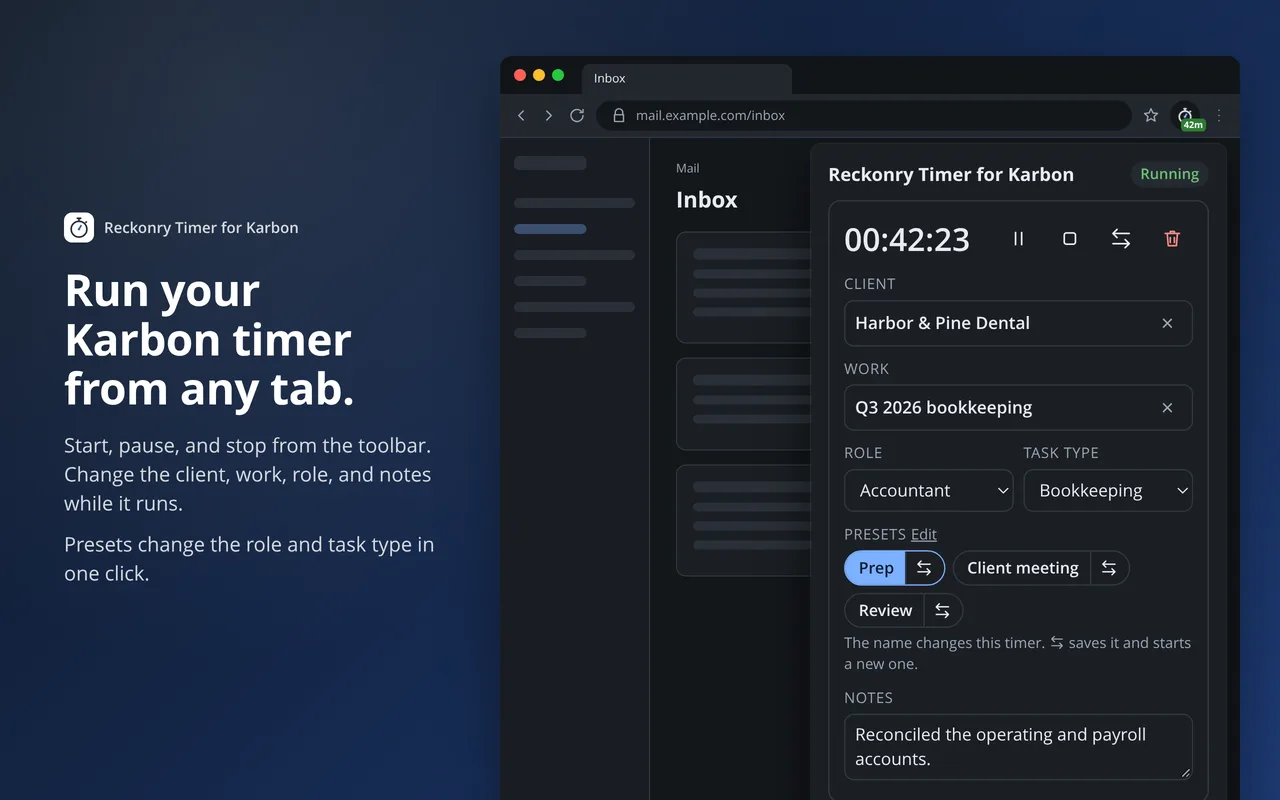
Reckonry Timer for Karbon puts a stopwatch for your Karbon timer in the Chrome toolbar. Open a work item and the timer starts after a short countdown. Open a different one and it saves the current entry and switches. Lock your screen and it pauses, then resumes when you’re back.
It works through Karbon’s own timer, so every entry is a normal Karbon time entry, and your firm’s roles, task types, and rules all still apply. It uses the Karbon sign-in already in your browser. There’s no API key to set up and no admin switch to flip.
- Presets. Save a role and task type as a one-click button for the stages of a job, such as prep, the client meeting, and review.
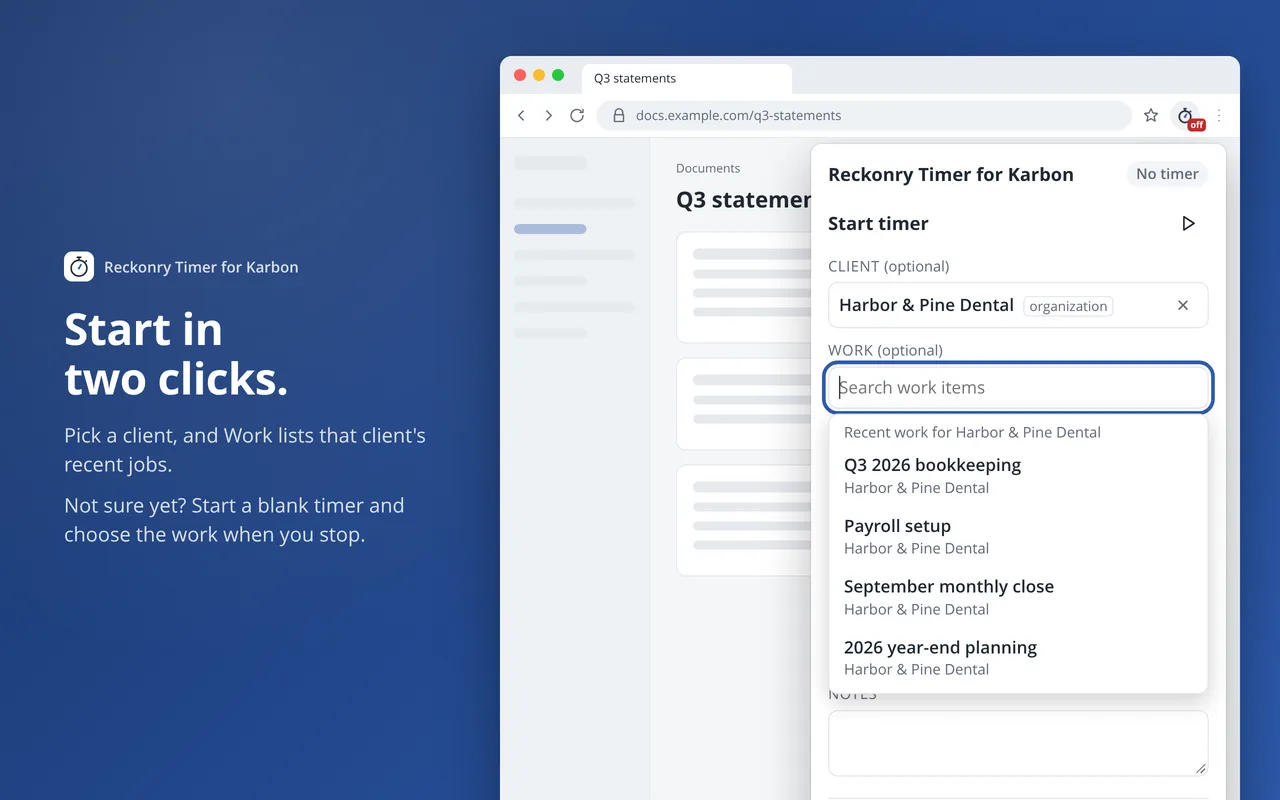
- Finish later. Start a blank timer and choose the work item when you stop.
- Safety nets. A long-timer alert catches a timer left on overnight, and the timer splits at midnight so each day’s time lands on the right day.
- You stay in control. Every automatic start or switch shows a countdown with a Cancel button, and every automatic action is a setting.
Who it’s for
Anyone in a firm who logs time in Karbon. A bookkeeper working through fifteen clients before lunch. An advisor who logs prep, meeting, and follow-up separately. An owner who wants better time data without chasing timesheets every Friday. Each person installs it in their own Chrome, and nobody else in the firm has to change a thing.
Privacy
The extension talks only to Karbon and never sees your password. Your time entries and client details aren’t sent anywhere else, and there’s no tracking.